

So, you have finally decided to dive into the world of programming. You have got your IDE installed, your dark mode enabled, and a fresh pot of coffee brewing. You are ready to build the next big thing in technology. But then, about four hours into your deep-work session, it hits you: a dull ache in your lower back, a sharp sting in your shoulder, and a neck that feels like it has been replaced by a rusty hinge. Welcome to the shrimp posture club. It is a rite of passage for many, but it does not have to be your permanent reality.
When we talk about innovation in the tech world, we usually focus on faster processors or smarter AI. However, the most important hardware you will ever own is your own body. If your physical foundation crumbles, it does not matter how clean your code is. This guide is here to ensure that your journey into technology is long, healthy, and pain-free. Let us look at how you can transform your workspace from a torture chamber into a temple of productivity.
The Throne: Why Your Chair is Your Most Important Investment
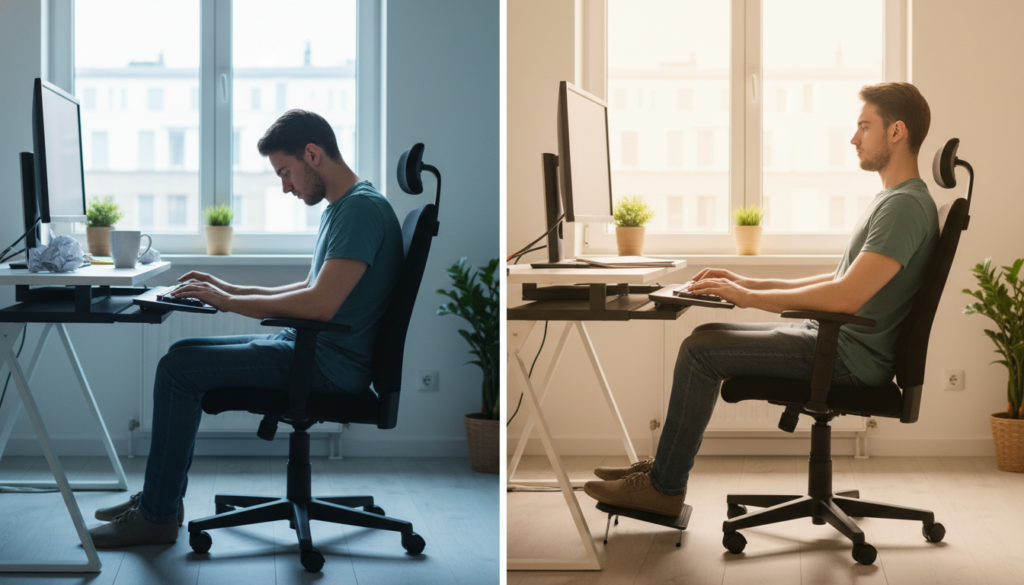
Most beginners make the mistake of thinking they can code from a couch, a bed, or a cheap kitchen chair. While this might work for twenty minutes, it is a recipe for disaster over a long career. A proper ergonomic chair is not just furniture; it is a piece of medical equipment. You need something that supports the natural S-curve of your spine. If your chair is flat, your lower back will collapse outward, leading to what doctors call lumbar strain and what we call the misery of the lower back.
Look for a chair that offers adjustable lumbar support. This should tuck into the small of your back and keep you upright without force. Height adjustment is also non-negotiable. Your feet should be flat on the floor, with your knees at a 90-degree angle. If your feet are dangling, you are putting pressure on the back of your thighs and restricting blood flow. If you cannot afford a high-end ergonomic chair yet, a small rolled-up towel placed behind your lower back can work wonders as a temporary fix. For more tips on setting up your professional environment, you can explore our other tech guides that cover workspace optimization.
The Horizon: Setting Your Monitor Height
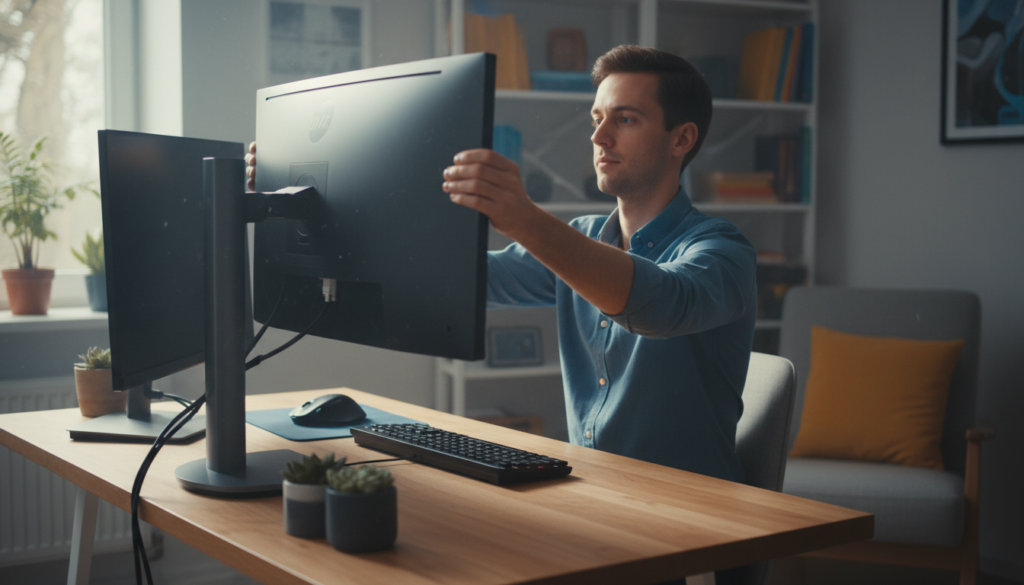
One of the biggest culprits of neck pain is looking down at a laptop screen. When your head tilts forward, it puts immense pressure on your cervical spine. In fact, for every inch your head moves forward, it adds about ten pounds of weight that your neck muscles have to support. This is how the dreaded tech-neck begins. To fight this, you need to bring your monitor up to eye level.
Ideally, the top third of your screen should be at eye level. This allows you to look straight ahead without tilting your chin up or down. If you are using a laptop, please stop placing it directly on the desk. Use a laptop stand or even a stack of sturdy books to elevate the screen. You will then need an external keyboard and mouse so that your hands can remain at a comfortable height. For a visual deep dive into how to set this up, watch this excellent breakdown on workspace physics below:https://www.youtube.com/embed/F8_ME4Vw8lw
The Hands of a Creator: Mouse and Keyboard Placement
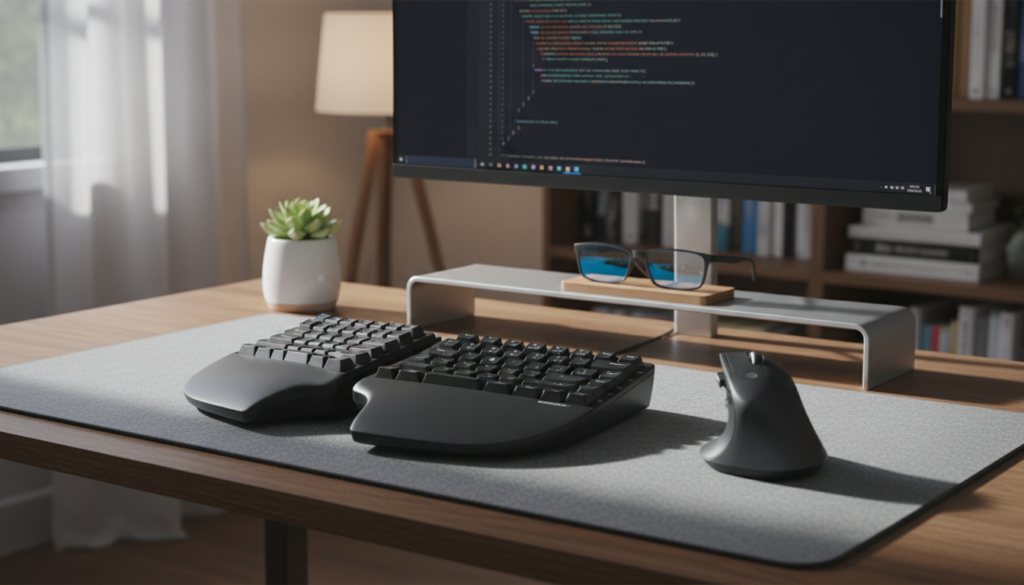
Carpal tunnel syndrome is the boogeyman of the software engineering world. It starts with a little tingle in the wrist and can end with a surgery that keeps you away from the keyboard for months. Preventing this is all about keeping your wrists in a neutral position. You want your wrists to be straight, not bent up or down, and certainly not tilted to the left or right.
Mechanical keyboards are popular for their tactile feedback, but they can be quite tall. If you use one, consider a wrist rest to bridge the gap. When it comes to the mouse, try to avoid the death-grip. Hold it lightly and move from your elbow and shoulder rather than flicking your wrist. There is incredible innovation in the world of vertical mice and split keyboards that aim to keep your forearm bones from crossing over each other, reducing tension significantly. You can find excellent medical advice on wrist health and positioning from the Mayo Clinic Office Ergonomics resource.
The 20-20-20 Rule for Eye Health
Ergonomics is not just about bones and muscles; it is also about your eyes. Staring at a glowing rectangle for hours causes digital eye strain. Your eyes have muscles too, and they get tired when they are locked in a near-focus position. Follow the 20-20-20 rule: every 20 minutes, look at something 20 feet away for at least 20 seconds. This allows your eye muscles to relax. Additionally, consider using software like f.lux to adjust your screen color temperature to the time of day, reducing the harsh blue light that can interfere with your sleep cycle.
Movement: The Secret Ingredient of Long-Term Success
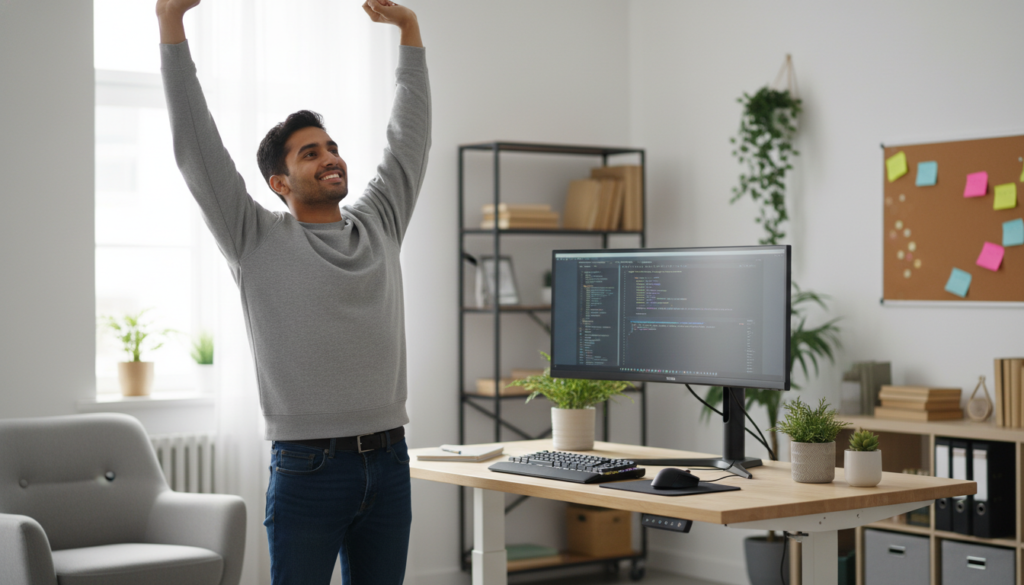
The best posture is your next posture. No matter how expensive your chair is, sitting still for eight hours is unnatural. Your body is designed to move. This is where innovation in office habits comes into play. Standing desks have become a staple in modern tech offices for a reason. They allow you to shift your weight and engage your core throughout the day. However, standing all day is also bad for your joints. The sweet spot is a mix of sitting and standing.
Set a timer on your phone to remind you to get up every hour. Do a few air squats, stretch your chest by placing your arms in a doorway, and take a quick lap around the room. These micro-breaks do more than just save your back; they also provide a mental reset. Often, the solution to a bug that has been bothering you for two hours will appear the moment you step away from the screen. Your brain needs blood flow as much as your muscles do.
The Emotional Cost of Physical Pain
We often separate the mental and physical, but they are deeply linked. When you are in constant pain, your cognitive load increases. You have less patience for debugging, your creativity drops, and your overall motivation to learn fades away. Many talented developers have quit the field because they thought they were burnt out, when in reality, they were just physically exhausted by a poor setup. By investing in your ergonomics now, you are protecting your passion for technology for the decades to come.
Final Thoughts for the Newbie Coder
Do not feel like you need to go out and spend three thousand dollars on a high-tech setup today. Ergonomics is a journey, not a destination. Start by simply being mindful of how you sit. Notice when you start to hunch and gently pull yourself back. Elevate your screen with whatever you have on hand. Use a cushion for your back. As you grow in your career, you can slowly upgrade your gear.
Remember, the goal of coding is to solve problems and create something new. You cannot do your best work if you are constantly distracted by a nagging pain in your neck. Treat your body with the same care you treat your code. Keep it optimized, keep it clean, and do not let the bugs in your posture crash your system. Happy coding, and stand up once in a while!


