

The Great Divide: Mouse Lovers vs. Keyboard Ninjas
If you have ever watched a pro developer work, you probably noticed something strange. Their hands are flying across the keyboard like a concert pianist, but their mouse is sitting in the corner gathering dust. To a beginner, it looks like magic or some weird 90s hacker movie trope. But to a seasoned coder, the mouse is often seen as a speed bump. If you are between 10 and 20 years old and just starting your tech journey, you might wonder why anyone would make life harder by memorizing a hundred different key combinations. The truth is, once you go full keyboard, you never go back. It is not just about looking cool; it is about reaching a level of efficiency that makes the mouse feel like a heavy anchor. Home is where the heart is, but the keyboard is where the code lives. To find out more about how tech can change your life, you can always Learn More on our main site.
The Math of the Mouse: Why Seconds Matter
Let us talk about the physical reality of using a computer. Every time you move your hand from the keyboard to the mouse, you are losing time. It takes about half a second to move your hand over, another half second to find the cursor, a few milliseconds to click, and then another half second to move your hand back to the home row. That might not sound like much, but a developer might perform these actions thousands of times a day. If you do this 500 times in a single coding session, you have just wasted nearly ten minutes purely on hand movement. Over a year, that is days of your life gone. Keyboard shortcuts eliminate this latency. By keeping your hands on the keys, your thoughts go directly into the editor without any physical delay. It is like the difference between playing a game with high ping versus a local connection. We want that zero-latency experience.
The Science of the Flow State
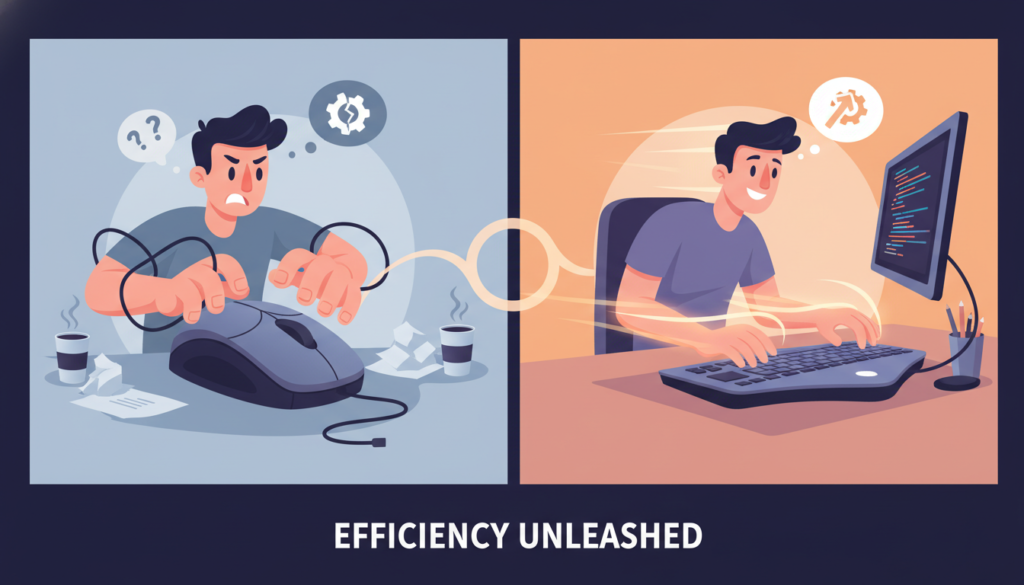
Coding is not just about typing; it is about solving complex puzzles in your head. Psychologists call the peak state of focus the flow state. It is that feeling when you are so locked into what you are doing that the rest of the world disappears. You are in the zone. Every time you have to stop and hunt for a tiny icon to click, you risk breaking that flow. The mouse requires visual coordination. You have to look for the pointer, track its movement, and aim. Keyboard shortcuts are muscle memory. You do not think about pressing Ctrl+C; your brain just executes the command while you keep thinking about the logic of your code. For young tech enthusiasts, mastering this early is a game-changer. It allows you to stay focused on the problem rather than the tool.
The Gaming Connection: APM and Coding
If you play competitive games like StarCraft, League of Legends, or Valorant, you already know about APM (Actions Per Minute). In gaming, the person who can execute commands faster usually has the upper hand. Coding is no different. While you are not fighting an enemy team, you are fighting the limits of your own brain. When you can refactor a whole block of code with three keystrokes instead of ten clicks, you free up mental energy for the actual engineering work. High-level developers often treat their text editors like an extension of their bodies. If you want to see what high-speed text editing looks like, check out Vim, a legendary editor that is built entirely around keyboard navigation. It has a steep learning curve, but once you master it, you will feel like you have superpowers.
Essential Shortcuts Every Young Dev Needs to Know
You do not have to learn 500 shortcuts on day one. Start with the ones that give you the biggest boost in your favorite tools, like VS Code. Here are the heavy hitters that will make you look like a pro instantly. First, Ctrl+P (or Cmd+P on Mac). This lets you jump to any file in your project just by typing its name. No more clicking through folders. Second, Ctrl+Shift+L. This selects every instance of the word your cursor is on, allowing you to edit ten lines at once. Third, Alt+Up/Down. This moves the current line of code up or down. These small tricks save massive amounts of time. If you want to practice your typing speed and accuracy, spend some time on Keybr to build that foundational muscle memory. The goal is to get to a point where you do not have to look at your hands at all.
Why the Terminal is a Keyboard Haven
As you get deeper into tech, you will spend more time in the Terminal (or Command Line). The Terminal is the ultimate keyboard-only environment. Instead of clicking through five menus to create a folder, move a file, and start a server, you just type a single command. It is faster, more powerful, and can be automated with scripts. Developers love the Terminal because it removes the fluff. There are no fancy buttons to distract you – just you and the machine. Learning basic Bash or PowerShell commands early in your teens will put you lightyears ahead of people who only know how to use a GUI (Graphical User Interface).
The Hardware Obsession: Mechanical Keyboards
You cannot talk about keyboard shortcuts without mentioning the hardware. Why do developers spend hundreds of dollars on mechanical keyboards? It is not just for the RGB lights. Mechanical keyboards provide tactile feedback. You can feel exactly when a key has been pressed, which helps reduce errors and allows you to type faster. Switches come in different types: linear for smooth movement, tactile for a small bump, and clicky for that satisfying sound. For a young developer, getting a decent mechanical keyboard is like a runner getting a good pair of shoes. It makes the experience of working more enjoyable and helps prevent long-term issues like Repetitive Strain Injury (RSI). Remember, your hands are your tools. Take care of them. If you want to see more hardware tips, visit https://beemytech.com/ for the latest gear advice.
Ergonomics: Staying Healthy While Hacking
While we love the speed of the keyboard, we have to talk about health. Using a mouse for hours can lead to wrist pain because of the constant twisting motion. A keyboard, especially a split or ergonomic one, allows your hands to stay in a more natural position. When you learn to use shortcuts, you reduce the number of awkward reaches your hand has to make. This is crucial when you are 15 or 16 because the habits you build now will affect your health ten years down the road. Keep your wrists straight, take breaks, and let the shortcuts do the heavy lifting.
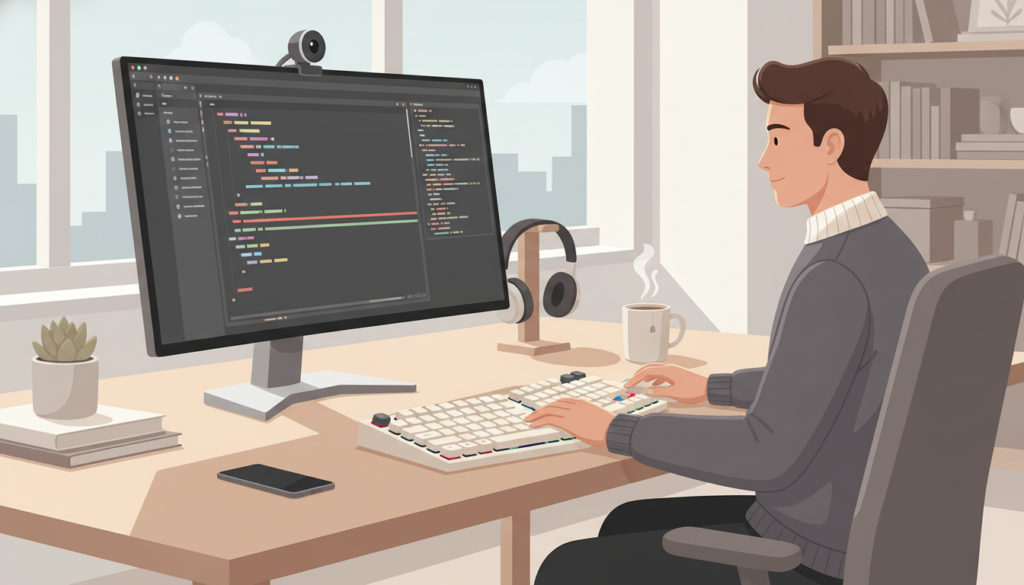
How to Start Your Keyboard-First Journey
Transitioning away from the mouse can feel frustrating at first. You will feel slower for the first few days. That is normal. The trick is to pick one or two new shortcuts every week. Use a sticky note on your monitor if you have to. Once those become muscle memory, add two more. Before you know it, you will be navigating your entire OS without touching the mouse. It is a journey of constant improvement. If you are ever feeling lost, remember that even the best developers in the world started exactly where you are. They just kept practicing until their keyboard felt like a natural part of their brain. You have the time and the passion, so go ahead and challenge yourself. See how long you can go without touching that mouse today. You might be surprised at how much faster you can actually be.


