


Listen, I get it. You just want to build your Minecraft mod, or maybe you are trying to get that Discord bot to actually reply with something other than an error message. You open the official documentation, and suddenly it looks like it was written in ancient Elvish by a wizard who hates fun. We have all been there. In my 25 years of wrestling with computers, I have learned that reading documentation is not about being a genius. It is about knowing how to cheat intelligently.
When I first started coding, we did not even have fancy websites with dark mode. We had physical manuals that were heavy enough to knock out a burglar. Today, you have the world at your fingertips, but it is often buried under a mountain of jargon. This guide is going to teach you how to slice through that noise. If you are looking for more advanced tutorials after you master this skill, I always recommend checking out Beemytech for some serious deep dives. But for now, let’s learn how to read the instructions without falling asleep.
The “RTFM” Problem (And Why We Don’t Say That Anymore)
Back in the day, if you asked a question on a forum, some grumpy old coder would yell “RTFM!” at you. That stands for “Read The Freakin’ Manual” (I am keeping it PG for you). It was rude, sure, but they had a tiny point. The manual is the source of truth. However, nobody told us how to read the manual.
Documentation is not a novel. You do not curl up with a cup of cocoa and read the Python Documentation from Chapter 1 to Chapter 100. That is a recipe for a migraine. Documentation is a reference library. Imagine you are playing an RPG and you need to find the stats for a specific sword. You do not read every book in the game’s library; you go to the index, find “Swords,” and look at the damage stats. That is exactly how you should treat code docs.
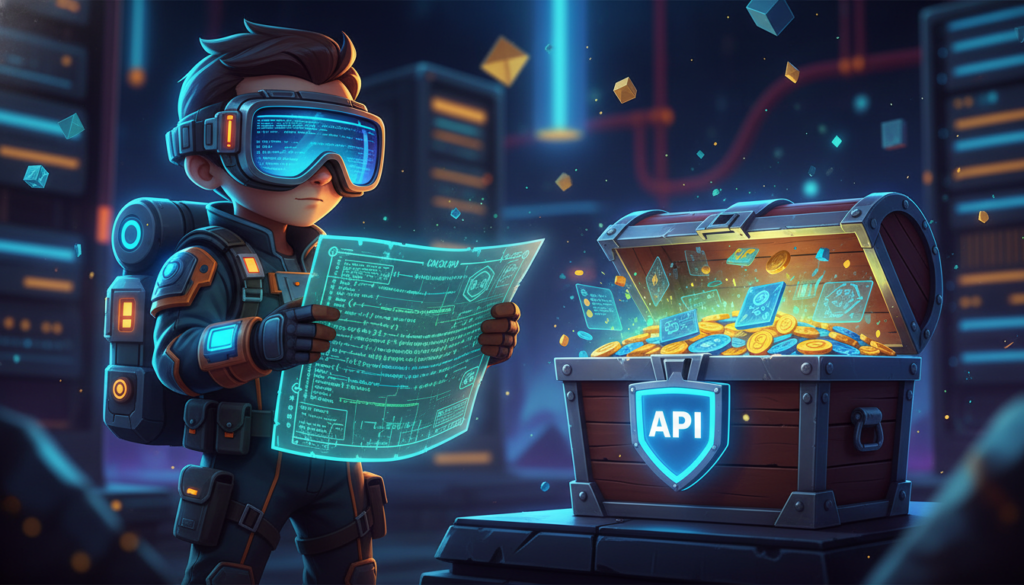
When you open a documentation site, your brain should switch into “Scavenger Hunt Mode.” You are looking for a specific key to unlock a specific door. If you try to read it like a textbook, you will burn out in ten minutes.
Step 1: The “Ctrl+F” Jutsu
This is the most powerful tool in your arsenal. I know it sounds obvious, but you would be shocked at how many people scroll endlessly. Let’s say you are using React and you want to know how to make a button click do something. Do not read the history of React. Do not read the philosophy of components. Hit Ctrl+F (or Command+F if you are fancy) and type “onClick.”
The documentation is going to highlight the exact thing you need. It is like using a cheat code. You skip the fluff and land right on the syntax. This technique saves me hours every week. It is a strategy I often discuss in my productivity articles over at Beemytech, where we break down how to work smarter, not harder.
Step 2: Hunt for the “Hello World”
Every good piece of documentation has a “Getting Started” or “Quick Start” section. This is your safe haven. If you are learning a new tool, like the game engine Godot, the Quick Start guide is usually the only part written for human beings. The rest is written for robots.
The Quick Start guide will usually give you a snippet of code that actually runs. Copy and paste that code immediately. Do not try to understand it yet. Just paste it into your editor and run it. Did it work? Great. Now you can tweak it. Change the text. Change the color. Break it on purpose. This is how you learn. You learn by tinkering with a working engine, not by reading a schematic of the engine.
Step 3: The “Parameters” Trap
Eventually, you will hit a wall. You will find a function that looks like this: doSomething(a, b, c, optional_d). And you will stare at it. What is a? What is optional_d? Is c a number or a sandwich?
This is where you need to look for the API Reference section. This is the dictionary part of the docs. It will list every command and, crucially, what “arguments” or “parameters” it takes. It might look dry, but it is the Rosetta Stone. It will tell you that a must be a string (text) and b must be an integer (whole number).

A common mistake young coders make is guessing. They just throw random stuff into the code and hope it works. That is the definition of insanity. Take thirty seconds to look at the API reference. It is less painful than spending three hours debugging because you passed a word when the computer wanted a number. For more on debugging strategies, keep an eye on the advanced guides at Beemytech; we love solving those tricky logic puzzles.
When the Docs Are Actually Garbage
I have to be honest with you: sometimes, the documentation just stinks. It might be outdated, poorly translated, or written by someone who assumed you already know everything. This happens a lot with smaller open-source projects. If you are reading the official docs and it feels like your brain is melting, it might not be your fault.
When this happens, you pivot. You stop reading the official docs and you go to the community. Sites like Stack Overflow are legendary for a reason. If the official manual for a library is confusing, search for your problem on Stack Overflow. Usually, some kind soul has already asked your exact question, and a wizard has answered it with a clear example.
Another great resource is MDN Web Docs if you are doing web stuff. They are the gold standard. If you are struggling with JavaScript, ignore the random blogs and go straight to MDN. It is written by people who actually care about teaching.
Using AI as Your Translator
We live in the future now. If a paragraph in the documentation makes zero sense, copy it and paste it into ChatGPT or Claude. Ask it: “Explain this to me like I am 12 years old and playing Minecraft.”
I do this all the time. There is no shame in it. Sometimes documentation uses words like “asynchronous promise handling with recursive callbacks.” That is nonsense. The AI can translate that to: “The computer will wait for the pizza to arrive before it tries to eat it.” See? Much better.
The Secret: Nobody Memorizes This Stuff
Here is the biggest secret of the tech industry: We do not memorize documentation. I have been doing this for 25 years, and I still have to look up how to center a div in HTML. I still have to look up how to read a file in Python.
Your value as a coder is not what you have stored in your head; it is your ability to find the answer. The documentation is your map. You do not need to memorize the map; you just need to know how to read the legend. So, next time you open a documentation page, take a deep breath. You are an explorer, not a student. Scan for the treasure, grab the code, and get back to building something awesome.
And remember, if you ever feel stuck or need recommendations on the best tech gear to help you code comfortably, drop by Beemytech. We are always here to help you navigate the digital world without losing your mind.


