

We have all been there. You spend four hours trying to figure out why a simple div won’t center, only to realize you missed a semi-colon. For the last decade, Visual Studio Code was the trusty sidekick that helped us solve those problems. It was the undisputed king of code editors. But as we step further into 2026, a massive shift is happening. New developers are skipping the VS Code phase entirely and heading straight for Cursor. Why? Because the way we write code has fundamentally changed.
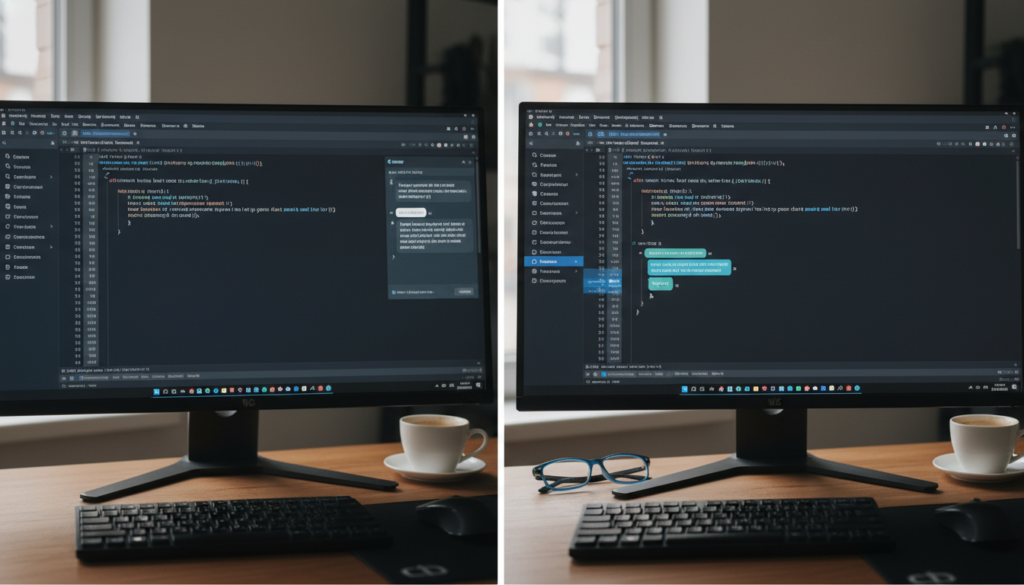
The King of the Past: Why We Loved VS Code
Before we talk about the new kid on the block, we have to give credit where it is due. Visual Studio Code democratized software development. It was lightweight, it was free, and it had an ecosystem of extensions that could turn a simple text editor into a full-blown development environment. Whether you were building a React app or tinkering with Python, VS Code had your back. You can find plenty of tech guides on our site that help you optimize your legacy setups, but the world is moving fast.
The Friction Problem
Even with GitHub Copilot, using VS Code in 2026 feels a bit like using a flip phone with a web browser. It works, but it is not seamless. You write code, you get stuck, you copy the error, you paste it into a browser, you wait for an answer, and you paste it back. It is a disjointed workflow that slows down the creative process. This is where innovation steps in to save the day.

Enter Cursor: The AI-Native Revolution
Cursor is not just another editor. It is a fork of VS Code, which means you get to keep all your favorite themes and shortcuts. However, it was built with artificial intelligence at its core. Instead of AI being a plugin you install, it is baked into the very foundation of the software. This is not just a minor improvement; it is a total rethink of how a developer interacts with their codebase. If you want to see it in action, check out this breakdown of the current landscape.https://www.youtube.com/embed/S2O6n0o8R4E
Why Beginners are Making the Switch
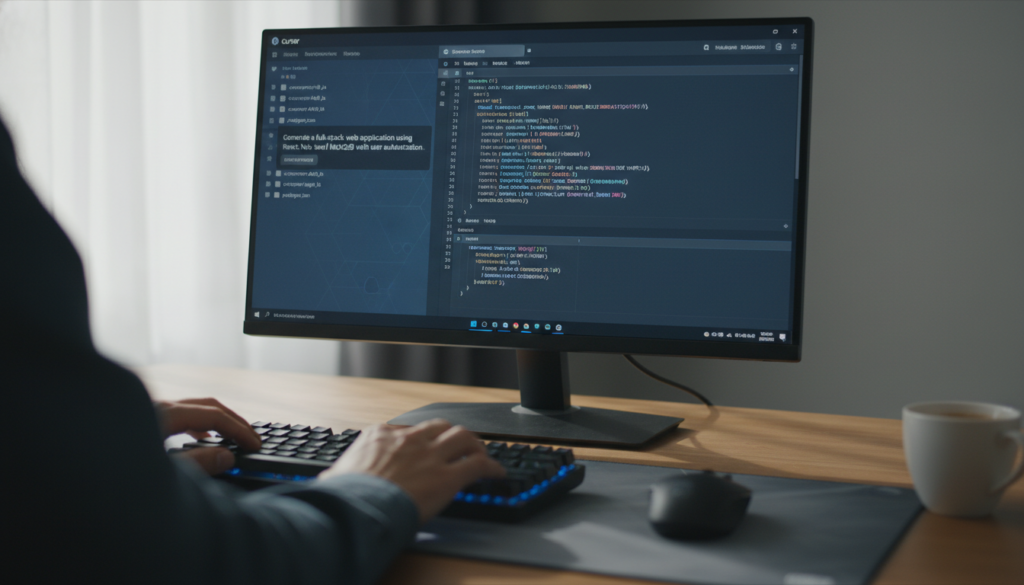
The learning curve for coding used to be a vertical wall. Beginners had to learn syntax, logic, and environment setup all at once. Cursor lowers that wall significantly. Its Composer feature allows you to describe a change in plain English, and the editor executes it across multiple files simultaneously. Imagine telling your editor to – Add a login button that matches the styling of the footer – and watching it happen in real-time. For a beginner, this is magic.
Context is Everything
Traditional AI assistants only see the file you are currently working on. Cursor sees everything. It understands your entire folder structure, your local documentation, and how your components interact. This codebase awareness means it provides answers that actually work, rather than generic snippets that require an hour of debugging to integrate.
The Efficiency Gap
In 2026, speed is the ultimate currency. Developers who use AI-native tools are shipping features three to four times faster than those who do not. While some veterans argue that beginners should learn the hard way, the industry is moving toward a model where being a good architect is more important than being a fast typist. Cursor facilitates this shift perfectly.

Is it Time for You to Switch?
If you are a seasoned professional with a perfectly tuned VS Code setup, the switch might feel daunting. But for anyone starting their journey today, the choice is clear. You can choose a tool that was designed for the manual era, or a tool designed for the intelligence era. Innovation does not wait for anyone, and in the battle of technology, the most efficient tool always wins. Give Cursor a try for your next project, your fingers will thank you.


