

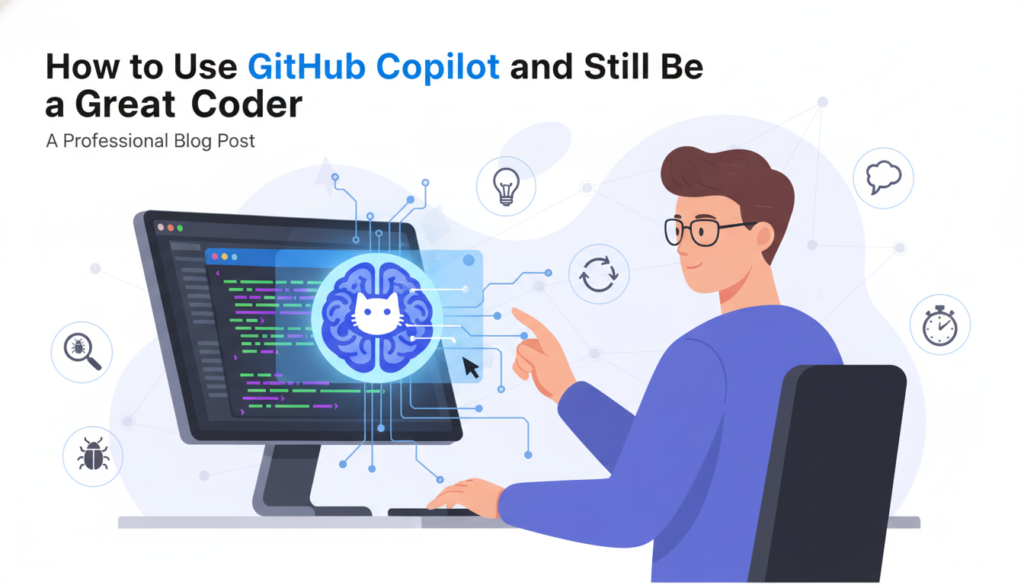
The New Era of the Lazy-But-Genius Coder
Imagine you are sitting at your desk, staring at a blank VS Code window. You have a massive project due, and your brain feels like a frozen browser tab. You start typing a single line: function calculateWeather… and suddenly, like magic, a ghost in the machine finishes the entire block for you. You hit Tab, and boom, your job is half-done. That is the magic of GitHub Copilot. It feels like having a senior developer sitting right next to you, whisper-coding in your ear. But here is the catch: if you let the ghost do all the work, what happens to your brain? If you are a student or a young tech enthusiast between 10 and 20 years old, you are growing up in the most exciting time to be a creator. But you are also at risk of becoming a copy-paste coder. To stay ahead, you need to learn how to be an AI-augmented coder, not an AI-dependent one. If you want to dive deeper into the world of technology, you can always Learn More at our home base.

Why GitHub Copilot is Your Best Friend (And Your Worst Enemy)
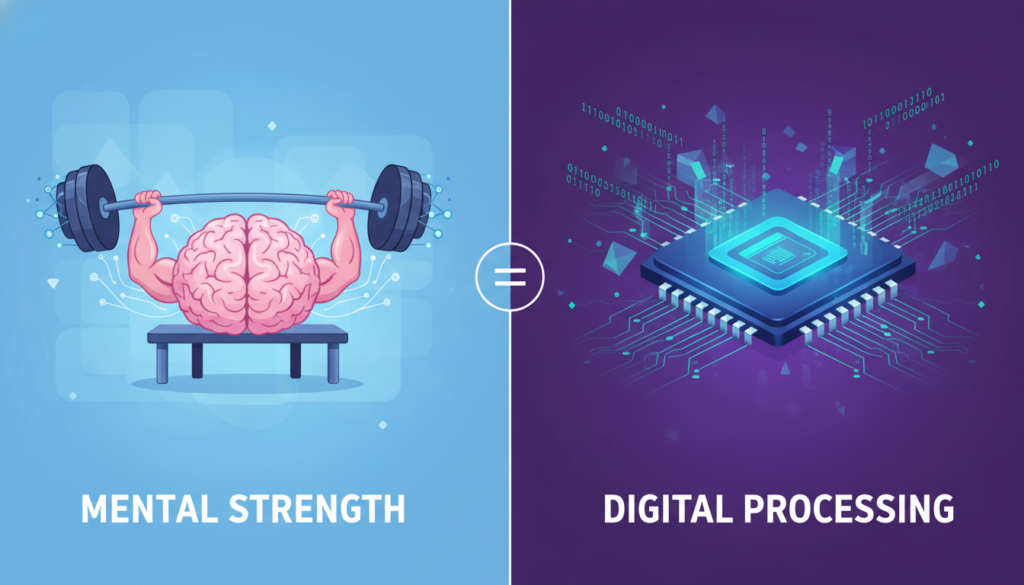
Let us be real for a second. GitHub Copilot is basically the ultimate cheat code. It is trained on billions of lines of public code, meaning it has seen almost every logical puzzle you will ever face. It can write boilerplate code, generate unit tests, and even suggest entire algorithms in the blink of an eye. For a beginner, this is a dream come true. You can build apps faster than ever before. However, there is a hidden danger. Coding is not just about typing syntax; it is about problem-solving. When you let an AI solve every problem for you, your mental muscles start to atrophy. It is like using a calculator for basic addition; eventually, you forget how to do the math in your head. If you rely too heavily on AI suggestions, you might find yourself in a situation where the AI is wrong (and it often is), and you have no idea how to fix it because you never learned the underlying logic.
The Muscle Memory of Logic
Learning to code is a lot like learning to play an instrument or a sport. You need repetition. You need to fail. You need to see those frustrating red error messages on your screen because those are the moments where your brain actually grows. When GitHub Copilot solves the error for you before you even understand what the error was, you miss out on that growth. To be a top-tier developer, you need that internal library of logic that only comes from struggling with a bug for three hours on a Friday night.
Strategy 1: The Code-First, AI-Second Rule
So, how do you use this powerful tool without losing your edge? The first rule is simple: Write the logic yourself first. Before you even look at what Copilot is suggesting, try to draft the structure of your function. Write the comments. Define the variables. If you know how to solve the problem, write the code manually. Only after you have a working version (or at least a very solid attempt) should you look at what the AI suggests. Often, the AI might suggest a more efficient way to write the same thing. This is where the learning happens! You can compare your manual version with the AI version. If the AI version is better, ask yourself why. Is it using a more efficient library? Is it a more modern syntax? This turns Copilot from a ghostwriter into a personal tutor.
Don’t Just Hit Tab
The Tab key is the most dangerous button in your IDE. It is so easy to just keep hitting it until the file is full. Instead, make it a habit to read every single line the AI generates before you accept it. If there is a line of code you do not understand, do not hit Tab. Go to Stack Overflow or a documentation site and look up that specific function. If you do not know what a line does, it does not belong in your project.
Strategy 2: The Debugging Challenge
One of the best ways to keep your skills sharp is to use AI for generating bugs. Wait, what? Yes, you heard that right. Sometimes, ask Copilot to write a function for you, then intentionally try to find where it might fail. AI is notoriously bad at edge cases. It might write a function that works for positive numbers but crashes with a null value or a negative integer. By playing AI Detective, you are training your brain to spot errors. This is a high-level skill that top developers use every day. Use tools like VS Code to step through the AI-generated code line by line. If you can explain every single step to a rubber duck on your desk, then you have earned the right to use that code.

Strategy 3: Manual Mode Weekends
If you are serious about becoming a pro, you need to go off-grid once in a while. Dedicate one day a week or one specific project to be an AI-free zone. Turn off GitHub Copilot, close ChatGPT, and try to build something from scratch using only your brain and official documentation. This is like a professional athlete training with weights on their ankles. It is harder, slower, and sometimes frustrating, but it ensures that your core skills remain solid. When you go back to using AI on Monday, you will feel even more powerful because you know you do not need it to survive. You are the pilot; the AI is just the co-pilot.
Building Your Foundation
Remember that the tech industry moves fast. Today it is GitHub Copilot, tomorrow it might be something even more advanced. But the fundamentals of computer science – data structures, algorithms, and logic – do not change. If you have a strong foundation, you can adapt to any tool. If you only know how to prompt an AI, you are at the mercy of the tool. To get started with the basics, check out freeCodeCamp for some great manual practice.
Strategy 4: Prompt Engineering as a Skill
Using AI is actually a skill in itself, often called prompt engineering. Instead of letting the AI guess what you want, learn how to give it precise instructions. This requires you to understand the architecture of your software. If you can describe a complex system in detail to an AI, it shows that you understand the system yourself. For example, instead of saying make a login page, try saying create a React functional component for a login form with validation for email and a password length of at least 8 characters, using Tailwind CSS for styling. To write a prompt like that, you have to know React, Tailwind, and security best practices. That is AI-augmentation done right.

Conclusion: You Are the Architect
At the end of the day, GitHub Copilot is just a tool, like a hammer or a power drill. A power drill makes it faster to build a house, but it does not tell you where the walls should go or how to make the foundation earthquake-proof. You are the architect. You are the one with the vision, the creativity, and the human touch. Use AI to handle the boring stuff, the repetitive boilerplate, and the syntax reminders. But keep the logic, the structure, and the soul of the project in your own hands. By balancing the speed of AI with the depth of manual learning, you will become a developer who is not just fast, but truly unstoppable. If you want to keep up with the latest in tech and AI, feel free to visit our Home page for more tips and guides. Now, go open your IDE, write some messy code, break some things, and then – maybe – hit that Tab key.


