

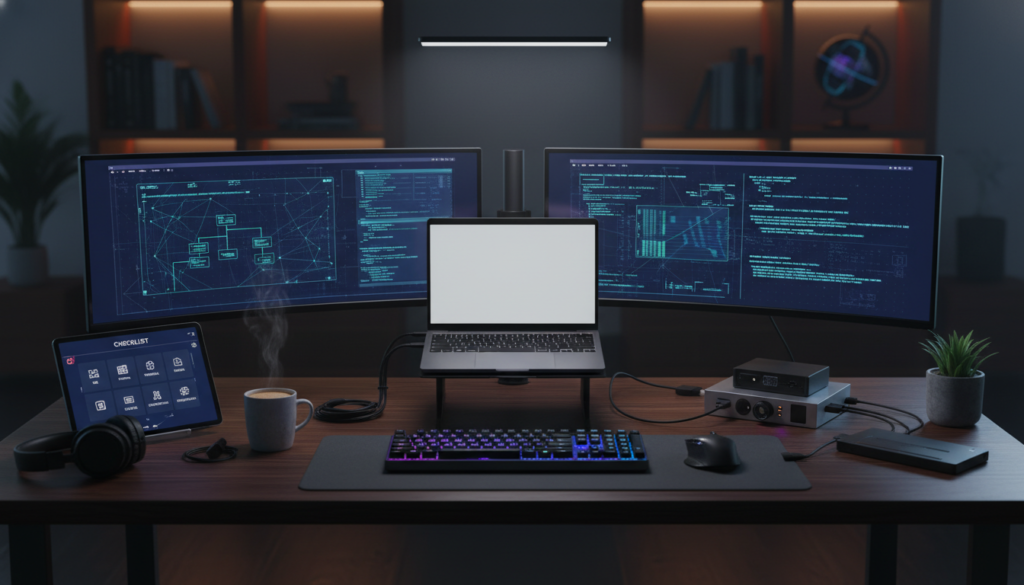
So you have decided to become a coder. Welcome to the club. Seriously, it is the best decision you have ever made. You are about to unlock the ability to build anything you can imagine, from a goofy website that rates different types of cheese to the next billion-dollar AI startup. But before you crack your knuckles and type that legendary Hello World into a text file, we need to have a serious talk about your setup.
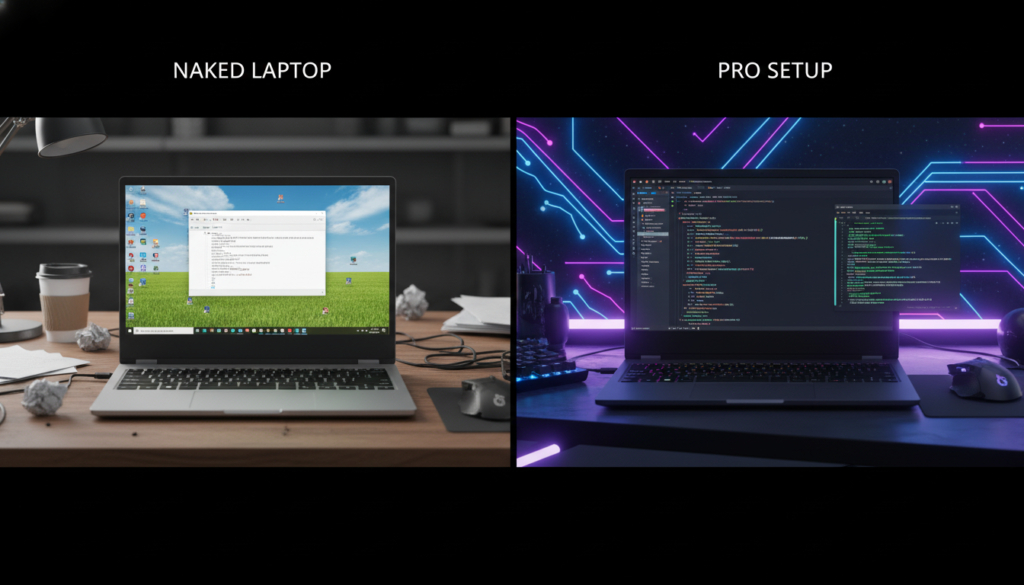
Most people think coding starts with learning syntax. It doesn’t. It starts with environment setup. If you try to code on a standard, out-of-the-box laptop without the right tools, you are going to have a bad time. It is like trying to build a house with a plastic spoon. You need power tools. You need a workbench. You need style.
I have been doing this for 25 years, and I have seen too many beginners quit because their computer was fighting them. Today, we are going to fix that. This is your Day Zero Checklist. Do not skip a step.
1. The Browser: It is Not Just for Memes
First things first. You probably have a web browser installed. If you are on Windows, it is Edge. If you are on a Mac, it is Safari. These are fine for watching YouTube, but for web development? We need something stronger.
For the longest time, Google Chrome was the undisputed king. It has the best Developer Tools (DevTools) in the game. You hit F12, and suddenly you can see the matrix behind any website. However, Chrome eats RAM like a hungry hippo. If you are rocking an older laptop, your fan might start sounding like a jet engine.
Lately, I have been recommending Arc Browser to everyone at beemytech.com. It is built on the same engine as Chrome (Chromium), so all the extensions work, but the interface is cleaner, faster, and honestly makes you look like you live in the year 3000. It organizes tabs in a way that actually makes sense for developers who have 50 tabs open at once.
Must-Have Extensions
Once you have your browser, do not leave it naked. Install these immediately:
- JSON Formatter: Without this, data looks like a giant wall of messy text. This makes it readable.
- Wappalyzer: This cool little tool tells you what tech stack a website is using. Want to know if a site was built with React or WordPress? This tells you.
- React Developer Tools: If you plan on learning modern web dev, this is non-negotiable. Grab it from the official React site.
2. The Terminal: Embrace the Hacker Aesthetic
Okay, this is the part that scares people. The black screen with the blinking cursor. In movies, this is where the hacker says “I’m in” after mashing the keyboard for three seconds. In reality, the terminal (or command line) is just a faster way to talk to your computer.
Windows users, please stop using the default Command Prompt. It is ancient. Download Windows Terminal from the Microsoft Store. It lets you have multiple tabs and supports emojis. Yes, emojis are critical for coding morale.
Mac users, your default Terminal is okay, but if you want to fly, get iTerm2. It is customizable and robust.
However, the new kid on the block that is blowing everyone’s mind is Warp. It is a terminal reimagined for the 21st century. It acts like a text editor, so you can click to move your cursor, and it even has AI built-in to help you remember commands. If you forget how to delete a folder, you just ask Warp. I wrote a deep dive on modern terminal setups over at beemytech.com if you want to get really nerdy with it, but for now, just get Warp.
3. The IDE: Your New Home
Your IDE (Integrated Development Environment) is where you will spend 99% of your time. It is your workshop. Do not use Notepad. Do not use Microsoft Word (please, I beg you).
The gold standard right now is Visual Studio Code (VS Code). It is free, open-source, and has a plugin for everything. It highlights your code in different colors so you can read it easily, and it spots errors before you even run the code.
But wait. There is a challenger.
If you want to be on the absolute cutting edge, check out Cursor. It is a fork of VS Code (so it looks and feels exactly the same), but it has AI baked into the core. It can write code for you, refactor your mess, and explain bugs in plain English. For a beginner, having an AI pair programmer sitting next to you is a superpower.
Make It Pretty
Whether you pick VS Code or Cursor, you need a theme. If you stare at a screen for 8 hours, it better look good. I recommend Dracula Official or One Dark Pro. Install the Material Icon Theme to make your file folders look like actual icons instead of boring text.
4. Version Control: The “Save Game” Feature
Imagine writing a 10-page essay and your computer crashes, deleting everything. Pain, right? In coding, we change things constantly. Sometimes we break things. We need a way to go back in time.
Enter Git. Git is a version control system. It tracks every change you make. If you break your app, you can just revert to the version from an hour ago. You need to install Git from the official source.
Once you have Git, you need a place to store your code in the cloud. That is GitHub. Create an account there immediately. Your GitHub profile is your resume. When you apply for jobs in a few years, nobody will care about your grades; they will look at your GitHub to see what you have built.
I have a full guide on “Git for nervous beginners” up on beemytech.com that breaks down the scary commands like ‘commit’ and ‘push’ into simple English, so check that out once you are installed.
5. The Engines: Node.js and Python
Your computer needs to understand the languages you are speaking. By default, most computers don’t speak “developer.”
First, download Node.js. Even if you aren’t writing JavaScript on the server, you need Node because almost all modern tools run on it. It comes with something called npm (Node Package Manager), which is like an App Store for code libraries. Want a library that does math? npm install it. Want a library that tells jokes? npm install it. Download the “LTS” (Long Term Support) version to be safe.
Second, grab Python. It is the language of data science and AI, and it is also one of the easiest languages to learn. Make sure to tick the box that says “Add Python to PATH” during installation. If you miss that box, you will have a headache later.
6. Communication: Where the Tribe Hangs Out
Coding is not a solitary sport anymore. You need to ask for help when you are stuck. Stack Overflow is the classic site, but the real conversation happens on Discord.
Join developer communities. There are Discords for React, for Python, for beginners. Don’t be afraid to ask “stupid” questions. We have all been there. Just make sure you read the rules and don’t spam.
Also, get Notion or Obsidian. You need a place to take notes. You will learn so many new concepts that your brain will overflow. Write them down. Create a “Knowledge Base” for yourself. When you solve a tricky bug, write down how you did it. Future You will thank Present You.
7. The Vibe Check
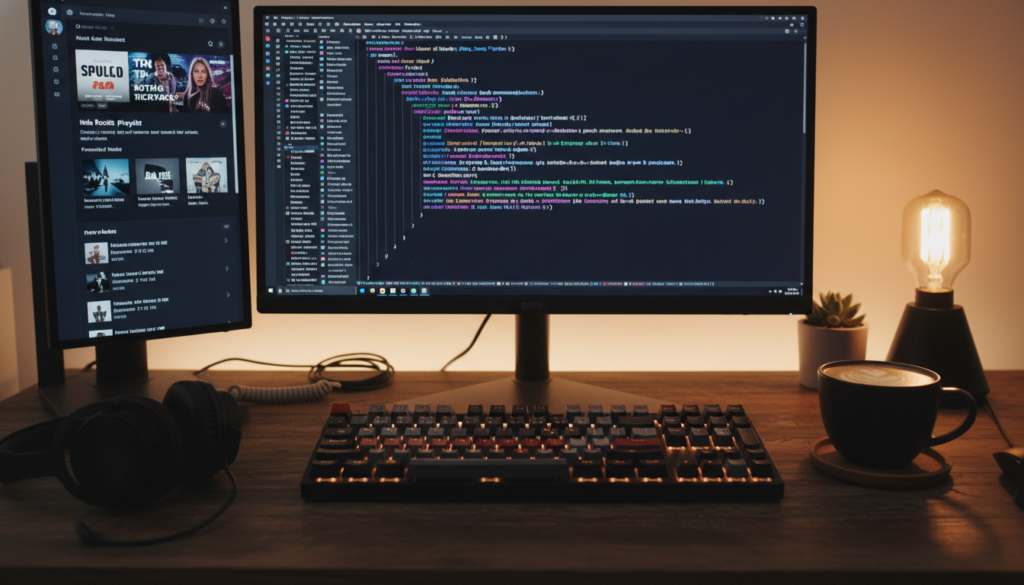
This isn’t software, but it is just as important. Set up your physical space. Get a decent mouse. Clean your screen. And most importantly, curate your playlist. You cannot code to silence; the silence is where the bugs live.
I usually recommend Lo-Fi beats or video game soundtracks (they are designed to keep you focused without being distracting). If you need specific gear recommendations, I recently reviewed some budget-friendly mechanical keyboards over at beemytech.com that sound amazing without breaking the bank.
Ready for Day One?
If you have followed this list, your computer is no longer a standard consumer device. It is a developer workstation. You have the browser, the terminal, the editor, and the safety nets.
Now the real fun begins. You are ready to open that terminal, type `mkdir my-first-project`, and start building the future. Don’t let the errors discourage you. An error message is just the computer asking you to teach it what to do. Good luck, and happy coding.


