

The Myth of the Lone Genius Coder
We have all seen it in the movies: a guy in a dark hoodie, typing at light speed while green text scrolls down a monitor. He presses Enter, shouts “I am in!” and magically fixes the world’s problems with a single line of cryptic code. In the real world, that guy is a nightmare to work with. If you are between 10 and 20 years old and starting your coding journey, you might think that writing the most complex, “clever” code makes you a better programmer. But here is the truth: computers are really good at reading bad code, but humans are not. Since you will likely spend your career working on teams, your ability to write code that others can understand is more important than your ability to write a one-line algorithm that solves a math problem.
Coding is not just about giving instructions to a machine. It is about communicating your thoughts to other people. When you join a tech company or a group project, your teammates will spend 90 percent of their time reading your code and only 10 percent of their time writing it. If they cannot understand what you did, they cannot fix bugs, they cannot add features, and they definitely will not want to grab lunch with you. Let us dive into why readability is the ultimate developer superpower.
The Compiler Does Not Care About Your Feelings
Your computer is extremely literal. You could name all your variables after types of cheese (e.g., let cheddar = 5;) and as long as the logic is sound, the computer will execute it perfectly. The compiler or interpreter does not care if your code looks like a mess. It does not care if you have zero indentation or if you used 50 nested “if” statements. It just translates your text into machine code and goes to work.
However, your teammates are biological humans with limited brain power. When they see a variable named x that actually represents a user’s credit card balance, they have to use extra mental energy to remember that. Multiply that by a thousand variables, and you have a recipe for a massive headache. Professional coding is a team sport. If you want to Learn More about how to transition from a solo learner to a team player, starting with your code style is the best first step.
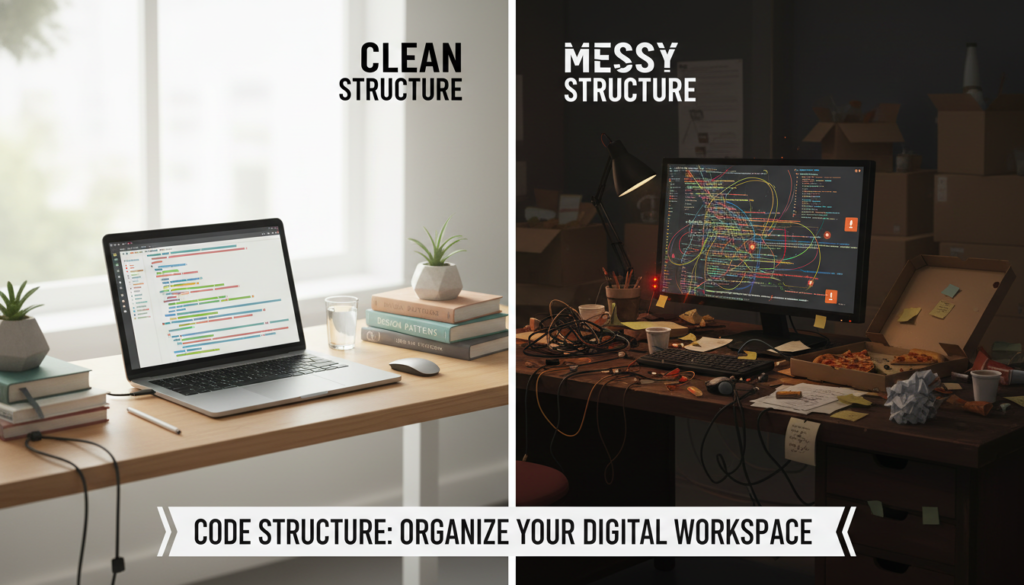
The 3 AM Rule: Your Future Self is Your First Teammate
There is a famous saying in the tech world: “Always code as if the person who ends up maintaining your code is a violent psychopath who knows where you live.” While that is a bit extreme, it highlights a vital point. Often, that “teammate” who has to read your old code is actually you. Imagine you write a cool script today and then do not look at it for six months. When you finally open that file again at 3 AM to fix a critical bug, you will realize that you have forgotten everything about how it works. If you wrote it for readability, you will be back in bed in ten minutes. If you wrote “clever” logic, you will spend three hours wondering what you were thinking.
The Danger of “Clever” Code
Junior developers often try to show off by condensing ten lines of code into one. They use complex ternary operators or obscure language features that look like magic spells. While it might look cool, it is usually a bad idea. In the professional world, “clever” is often a synonym for “hard to maintain.” If a teammate has to open a 1,000-page manual to understand your one-liner, you have failed as a writer. Aim for “simple” and “obvious” instead. If your code is obvious, it is robust.
Naming Things: The Hardest Task in Computer Science
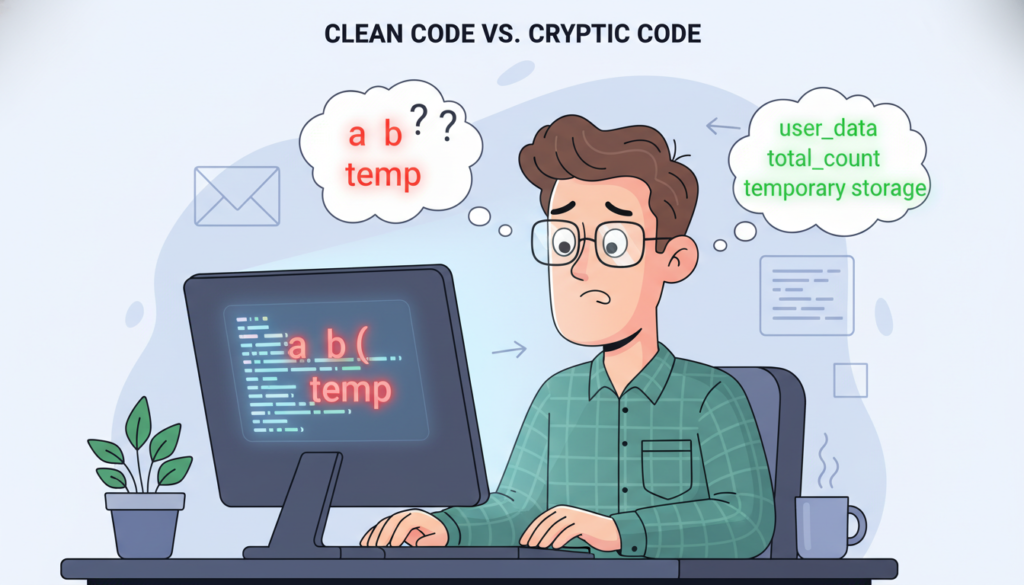
It sounds silly, but naming variables and functions is actually one of the hardest parts of programming. Why? Because names provide context. A good name tells a story. Consider these two examples:
- Bad: let d = 86400;
- Good: let secondsInADay = 86400;
The first example requires the reader to guess what d means. The second example is self-documenting. You do not even need a comment to explain it. When naming things, be descriptive. Avoid abbreviations like amt when you can use amount. Avoid generic names like data or info. If a function calculates the area of a circle, name it calculateCircleArea(), not func1(). Your teammates will thank you because they will not have to jump back and forth between files to understand what your variables do.
Comments: Use Them Like Salt
Comments are those lines of text in your code that the computer ignores. Some beginners think more comments are always better. This is not true. If your code is written well, it should explain the “what” and the “how” on its own. Use comments to explain the “why.”
If you are using a weird workaround because of a bug in a third-party library, leave a comment explaining that. If you are using a specific mathematical formula that is not common knowledge, leave a link to the source. But do not write comments like // this adds one to x when the code says x++;. That is just noise. High-quality code minimizes the need for comments by being readable in the first place. You can use tools like Visual Studio Code to help organize your project and keep your comments tidy.
Formatting and the “Visual Language” of Code
Consistency is the secret sauce of readability. If one part of your project uses tabs and another uses spaces, it creates a visual friction that makes reading harder. This is where linting and formatting tools come in. Tools like Prettier automatically format your code so it looks the same every time you save. It handles the indentation, the line breaks, and the bracket placement. Using these tools shows your teammates that you care about the professional standards of the industry.
Pull Requests: Where Your Reputation is Built
When you work on a team, you do not just push your code to the main project. You create something called a “Pull Request” (PR) on a platform like GitHub. This is where your teammates review your work. If your code is messy, they will leave dozens of comments asking for changes. This slows down the project and makes you look like an amateur. On the other hand, if your code is clean, well-named, and easy to follow, your PRs will get approved quickly. You will be seen as a reliable developer who respects other people’s time.
Remember, the goal is to make the reviewer’s job as easy as possible. They are likely busy with their own tasks. If they can understand your logic in five minutes because your naming is clear, they will love working with you. This is how you get promoted and how you build a great reputation in the tech community.
The Ethics of Readable Code
Readable code is also about accessibility. Not everyone on your team will have the same level of experience or the same background. By writing simple, clear code, you make the project accessible to junior developers and newcomers. It fosters a culture of learning rather than a culture of elitism. Being a “tech enthusiast” should mean wanting to make technology better for everyone, and that starts with the very lines of text you write every day.
Conclusion: Be a Human First, a Coder Second
As you grow in your tech journey, you will learn many languages – from Python to Rust. But the most important language you will ever learn is the one you use to talk to your teammates through your code. Logic is a prerequisite; it has to work. But readability is a choice. It is a choice to be kind to your future self and your colleagues. It is a choice to be a professional rather than just a hobbyist.
Next time you are about to write a “clever” piece of code, stop and ask yourself: “Could a stranger understand this in ten seconds?” If the answer is no, rewrite it. Simplify it. Name it better. Your career, your teammates, and your sanity will be much better for it. For more tips on starting your career in the right way, feel free to visit our Home page for more resources.


