


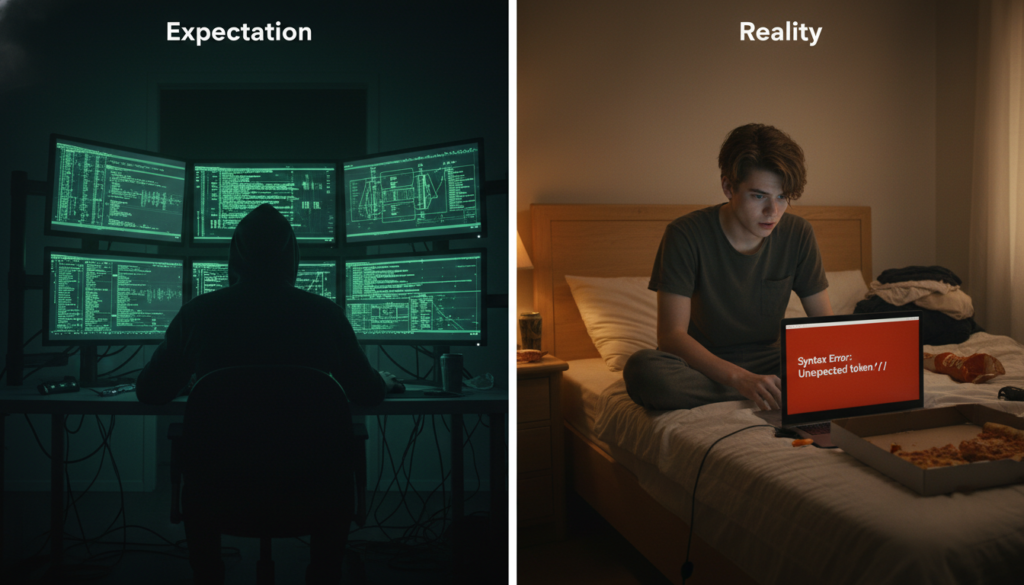
You sit down. You crack your knuckles. You open your laptop. You are ready to build the next Facebook, create a video game that rivals Minecraft, or at least hack into the mainframe like they do in the movies. You type furiously. Green text flows down the screen. You say, “I’m in.”
That was the dream. That was the expectation.
Here is the reality of my first 30 days of coding: I spent four hours trying to figure out why my computer was screaming at me, only to realize I forgot a single curly bracket on line 42. I cried. I laughed. I Googled things that would make a normal person question my sanity.
But I also learned more in one month than I did in three years of high school math. If you are sitting there, hovering your mouse over a download button for a code editor, wondering if you are smart enough to do this, let me stop you right there. You are. If I can do it, you can definitely do it.
Here is the breakdown of my first month, the tools you actually need, and the massive mistakes you should avoid so you don’t end up throwing your monitor out the window. For specific hardware recommendations that won’t break the bank, I always suggest checking the tech recommendations at https://beemytech.com/ before you buy anything fancy.
The Setup: Looking Cool vs. Actually Coding
Day 1 was mostly spent trying to look like a programmer. I thought I needed three monitors and a keyboard that sounded like a machine gun. Spoiler: You do not.
All you really need is a computer that turns on and a code editor. I started with Visual Studio Code (VS Code). It is free, it is colorful, and it is what the pros use. It has these things called “extensions” that basically spell-check your code for you. Trust me, you need that.
I decided to learn Python first. Why? Because everyone on the internet said it reads like English. And they were right. mostly. It is a great language because you don’t have to worry about as many weird symbols as you do with languages like C++ or Java.
Week 1: The “Hello World” High
In the coding world, your first rite of passage is making the computer say “Hello, World!” on the screen. It is simple. In Python, it is literally one line of code.
I typed it out. I hit run. A little black box popped up and said “Hello, World!”
I felt like a god. I had commanded the machine, and the machine obeyed. This is the hook. This is what gets you. I immediately called my mom to tell her I was basically Bill Gates. She was unimpressed, but that didn’t matter. I was a coder now.
Lesson Learned: celebrate the small wins. Seriously. You are going to fail a lot, so when something actually works, take a moment to feel good about it.
Week 2: The Logic Wall (and The Tears)
Week 1 was the honeymoon phase. Week 2 was when the relationship got rocky. This is when I started learning about “loops” and “conditionals.”
Basically, you are telling the computer: “If this happens, do that. If not, do this other thing. And keep doing it 50 times.”
It sounds easy. It is not. Computers are incredibly literal. If you tell a human to “go to the store and buy milk, and if they have eggs, get six,” a human comes back with milk and 6 eggs. A programmer joke states that a computer would come back with 6 cartons of milk because they had eggs. I ran into logic errors constantly. My code wouldn’t crash, but it would do things I didn’t want it to do. It was like training a very stubborn puppy.
If you are struggling with the logic side of things, I found some great advanced guides on https://beemytech.com/ that break down complex tech concepts into stuff regular humans can understand.
Week 3: The Copy-Paste Syndrome
By week 3, I discovered Stack Overflow. This is a website where people ask coding questions and other people answer them. I realized that almost every problem I had, someone else had already solved 8 years ago.
I fell into a dangerous trap called “Tutorial Hell.” I would watch a YouTube video, copy exactly what the person did, and it would work. But the second I tried to change anything, it all fell apart. I wasn’t learning; I was just typing.
Major Mistake: Do not just copy and paste. Type the code out yourself. It forces your brain to process what is happening. If you just copy-paste, you are not a coder; you are a photocopier.
Week 4: Building Something Ugly
For my first month’s finale, I decided to build a calculator. Not a fancy app, just a text-based thing that could add two numbers.
It was ugly. The code was messy. I had variables named thing1 and stuff2 (never do this, by the way). But it worked. I could type 2 + 2 and it would spit out 4. I uploaded my terrible code to GitHub, which is like Instagram for code, just to prove I did it.
Building a project, even a bad one, taught me more than all the tutorials combined. It forced me to combine everything I learned in weeks 1, 2, and 3.
The Big Mistakes I Made (So You Don’t Have To)
1. Skipping the Basics
I tried to build a video game on Day 3. Bad idea. It is like trying to fly a plane before you know how to ride a bicycle. Stick to the boring stuff like variables and loops first. You need a solid foundation. For more structured learning paths, check out the resources listed on https://beemytech.com/.
2. Coding in Isolation
I didn’t tell anyone I was learning. I didn’t join any Discords or forums. This was lonely and inefficient. When I got stuck, I stayed stuck for days. Join a community. Even reading the forums on freeCodeCamp makes you feel less alone in your struggle.
3. Not Taking Breaks
I thought that if I stared at the screen harder, the bug would fix itself. It doesn’t. Your brain needs rest to process logic. The number of times I solved a problem while in the shower or eating a sandwich is embarrassing. Step away from the screen.
What Now?
My first 30 days were messy, frustrating, and absolutely awesome. I am not an expert yet. I still Google basic stuff every single day. But I understand the language now. I can look at a page of code and not feel like I am reading alien hieroglyphics.
If you are thinking about starting, stop thinking and start typing. Download VS Code. Install Python or Node.js. Write that “Hello World” program. The feeling you get when it runs is worth every second of frustration.
Just remember to check your semicolons. Always check your semicolons.


